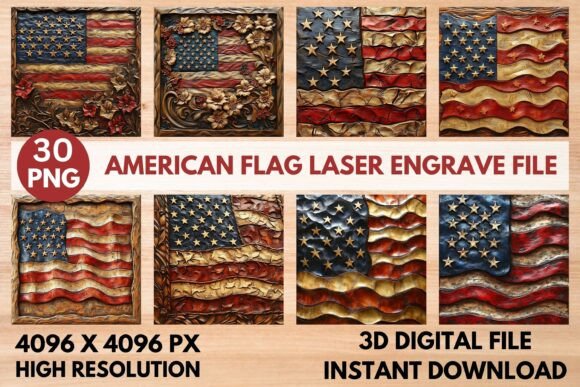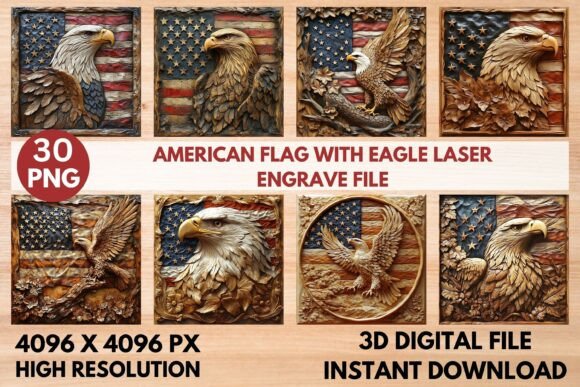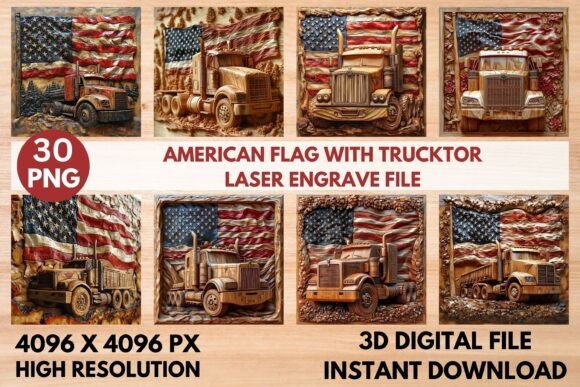
American Flag with Tractor Laser Engrav: Premium 3D Design File
Discover a stunning design that brings patriotic pride and rugged charm to your creative projects. The American Flag with Tractor Laser Engrav offers a unique, high-resolution PNG file set that is perfect for laser engraving enthusiasts and professional crafters alike. This premium design asset combines iconic symbolism with intricate detail, allowing you to create beautiful, lasting pieces.
This package includes 15 coloring PNG files and 15 grayscale PNG files, all at a generous 4096 x 4096 pixel resolution. The transparent background ensures seamless integration into your workflow, whether you're working on home decor, custom wood signs, apparel prints, or paper crafts. The grayscale versions are specifically optimized for laser engraving machines, providing the depth and contrast needed for professional, sharp results.
Creative Applications and Design Flexibility
The versatility of this design makes it a valuable asset for numerous projects. Imagine engraving it onto a wooden plaque for a rustic wall hanging, adding it to a custom stationery set for a patriotic event, or applying it to textiles for unique apparel. It's also ideal for creating distinctive tableware, packaging designs, or branded merchandise. The detailed tractor and flag motif works well for both personal gifts and commercial products.
For designers, this file set can be a cornerstone of a broader brand identity or a standout feature in a collection. Its bold, clear lines ensure readability and impact even when scaled, making it suitable for larger format projects like posters or signage. The 3D effect adds a layer of sophistication that elevates the final product beyond a simple flat image.
Tips for Optimal Laser Engraving Results
To achieve the best possible outcome with your laser equipment, consider a few practical tips. First, always verify compatibility with your specific machine and software before starting a project. The files are designed to work with popular systems like LightBurn, xTool, Glowforge, and CO2 laser cutters. Using the recommended settings can save time and material.
- Material Selection: Lighter woods like maple or birch often produce the most striking contrast for engraving, allowing the darker burned areas to stand out beautifully.
- Software Settings: In LightBurn, applying the Jarvis dither filter to the grayscale PNG can enhance the burn quality and detail. For Glowforge users, starting with a speed of 1000 and power of 90 is a good baseline, adjusting the lines per inch as needed for your material's density.
- Project Planning: Remember that these are non-editable raster files. Plan your sizing ahead of time to avoid quality loss from excessive upscaling. The high starting resolution gives you considerable flexibility, but it's wise to test a small section first.
Choosing the right design asset is crucial for creating cohesive and professional-looking work. A well-crafted file like this not only saves you design time but also ensures consistency across multiple applications. It helps build recognition, whether for a product line, an event theme, or a personal style. The combination of a beloved national symbol with a classic agricultural icon creates a narrative and emotional connection that resonates with many audiences.
When selecting any design resource, consider how it fits into your overall aesthetic. Does its style complement other elements you're using? Is it versatile enough for your intended applications? This particular set answers those questions with its blend of thematic strength and technical precision. It’s a thoughtful addition to any creative toolkit, designed to help you produce work that looks polished, intentional, and truly unique.